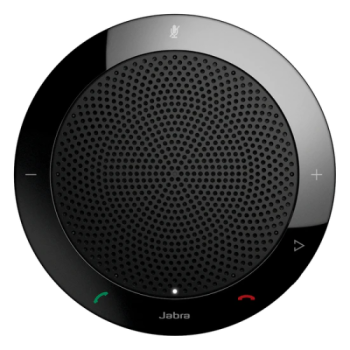
AV Pool
The AV Pool lends technology at no cost to Letters & Science departments instructors and staff for short-term instructional use.
Getting Started
New users can get started by signing in to the new Connect2 booking system to browse available equipment and manage reservations.
If you have not previously borrowed from the AV Pool you will need to register in person to reserve equipment. A Wiscard and campus email address is required. Confirmation of employment status within a supported Letters & Science department may be required.
Request Equipment
Sign in to the new Connect2 booking system or stop by the AV Pool in person to browse available equipment and manage reservations.
Location
The AV Pool is located in 259A Van Hise Hall adjacent to the commons area on the second floor.
Hours
8:00am – 5:00pm, Monday – Friday
The AV Pool is closed during university observed legal holidays and the day after Thanksgiving.
Contact
Please contact us via email at help@its.ls.wisc.edu
Technical support is available during hours of operation by calling (608) 262 – 1408.
Available Equipment
See Connect2 online for a full list of available equipment.
Popular equipment includes but is not limited to:
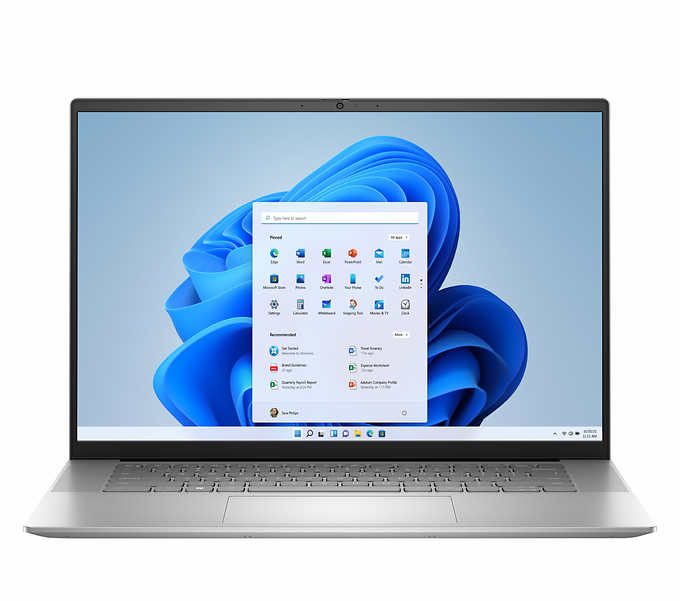
Windows Laptops
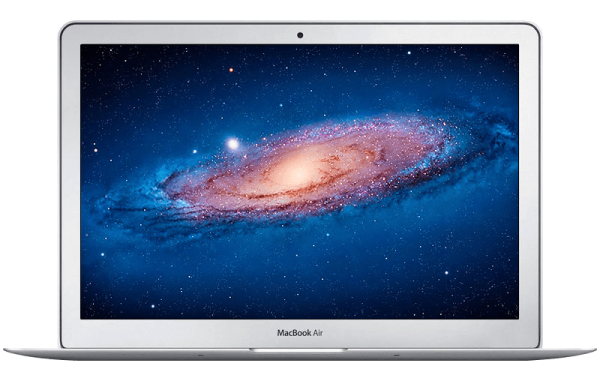
Mac Latops
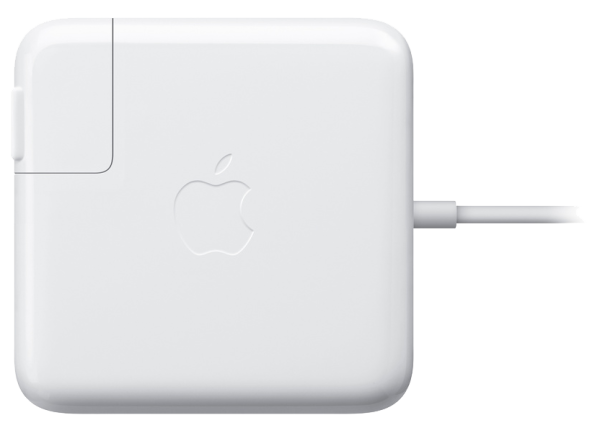
Apple AC Adapters
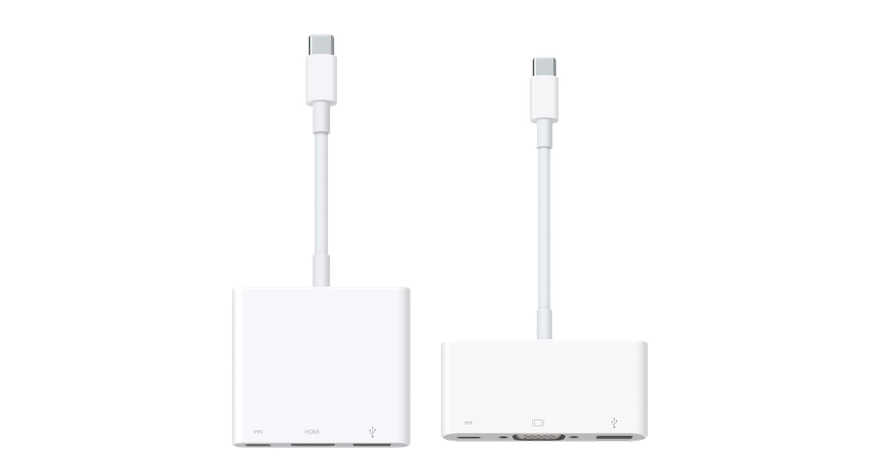
Cable Adapters
Includes but not limited to: – USB-C to HDMI – USB-C to Ethernet – USB-C to VGA – Lightning to HDMI – MDP to VGA And more!
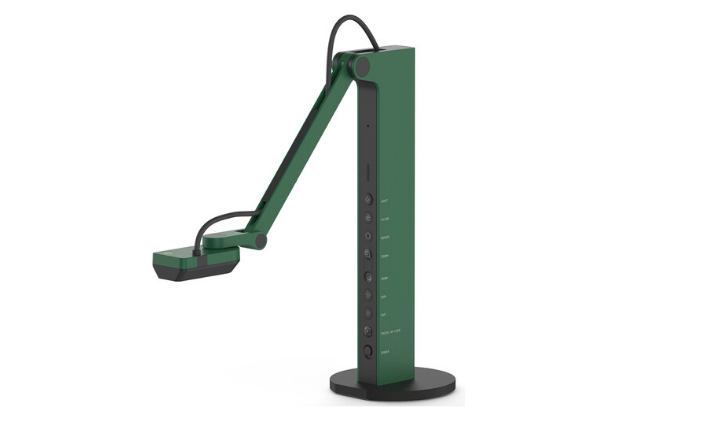
Document Cameras
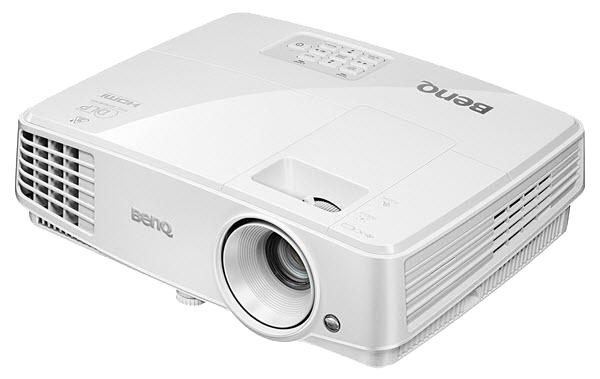
Projectors
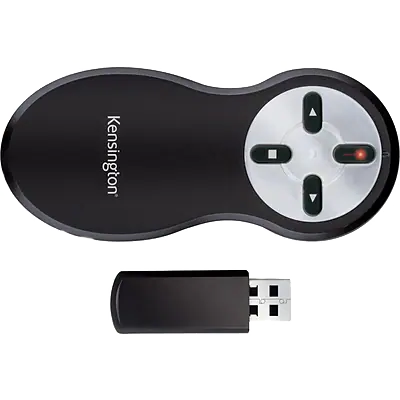
Presentation Remotes